
NewMCP server
Run your job search from inside your AI.
Connect Tsenta to Claude, Cursor, or any MCP-compatible client. Ask your AI to surface roles that fit, tailor your resume, and submit applications — without leaving the chat.
Don't have a Tsenta account yet? Sign up.
Setup
Connect Tsenta to your client.
Pick your client and follow the steps. Each connection takes under a minute and uses OAuth — Tsenta never sees a password.
Claude Code is Anthropic's terminal-based coding agent. Adding Tsenta is a single command.
Run the add command
In your terminal, run:Approve OAuth in your browser
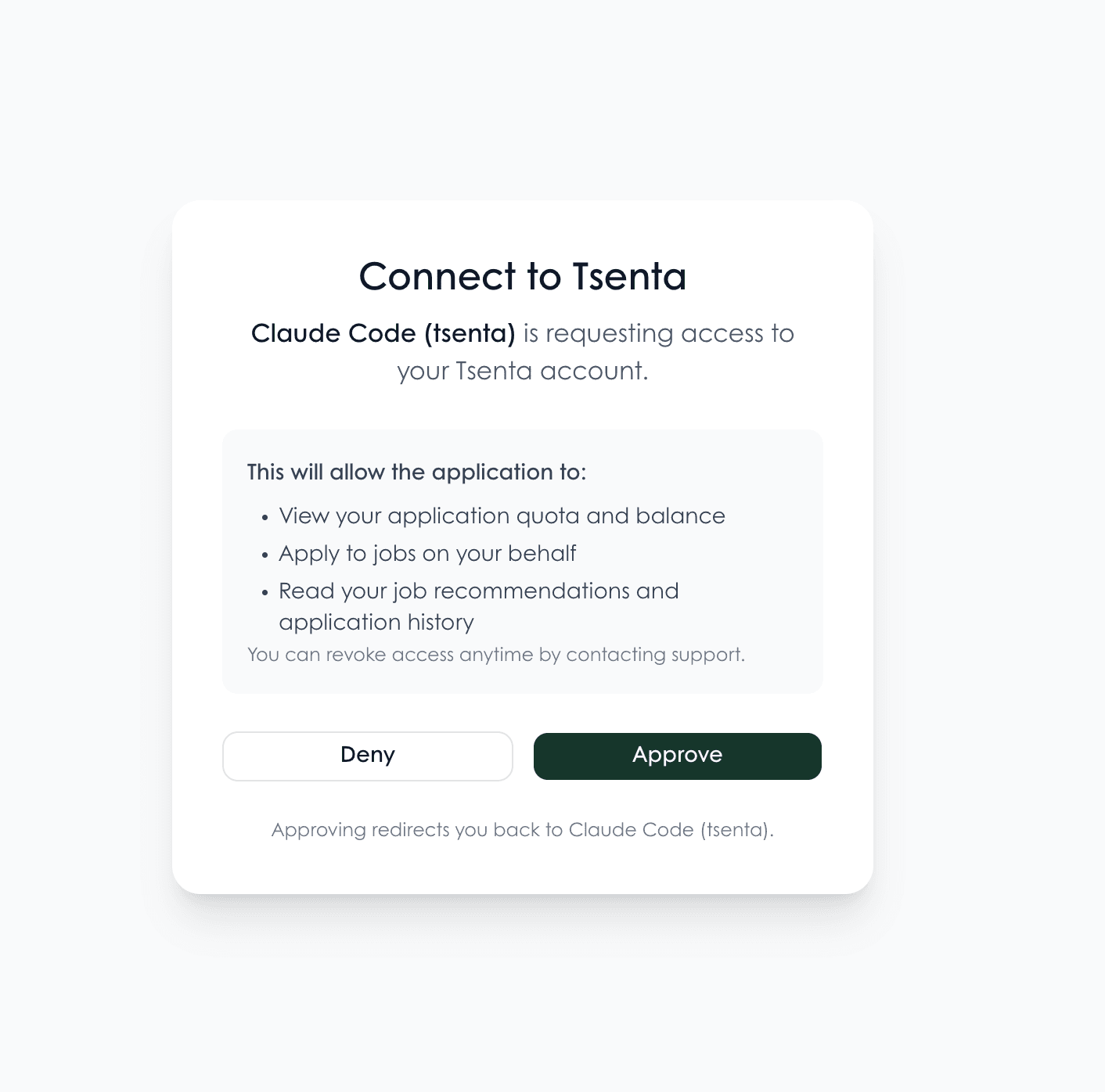
Claude Code opens your default browser to the Tsenta approval screen. Sign in with Google and click Approve to grant access.Verify the connection
Back in the terminal, run:
Claude Code stores a short-lived OAuth token locally. It refreshes automatically — you never see or handle the token.